Alpine Explorer
A downloadable game for Windows and macOS
Real terrain. Real trails. Something else is out there.
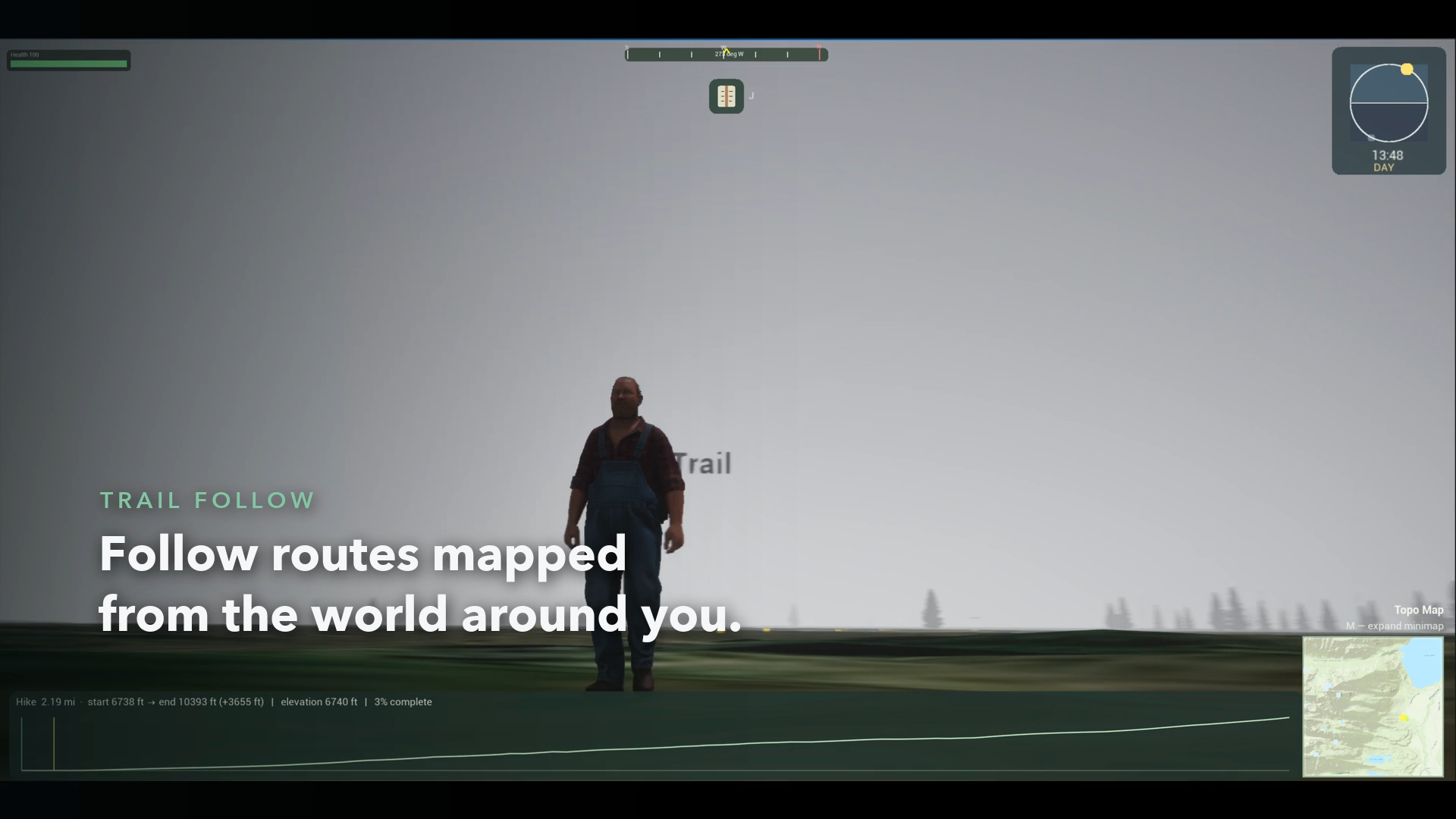
Alpine Explorer is a survival hiking game set in the real world. Choose a spot anywhere in the western United States or Alaska, pick a real trail nearby, and start walking. The ground under your boots comes from real elevation and satellite imagery, and the path ahead follows a route people actually hike.
You came out here to leave something behind.
The mountain has other plans.
The trail is real
From the Cascades and the Sierra Nevada to the Rockies and Alaska's wild ranges, the peaks on the horizon are the peaks that are really there. Your journal fills in as you go, with summits, glaciers and the stories behind them.
The weather is not on your side
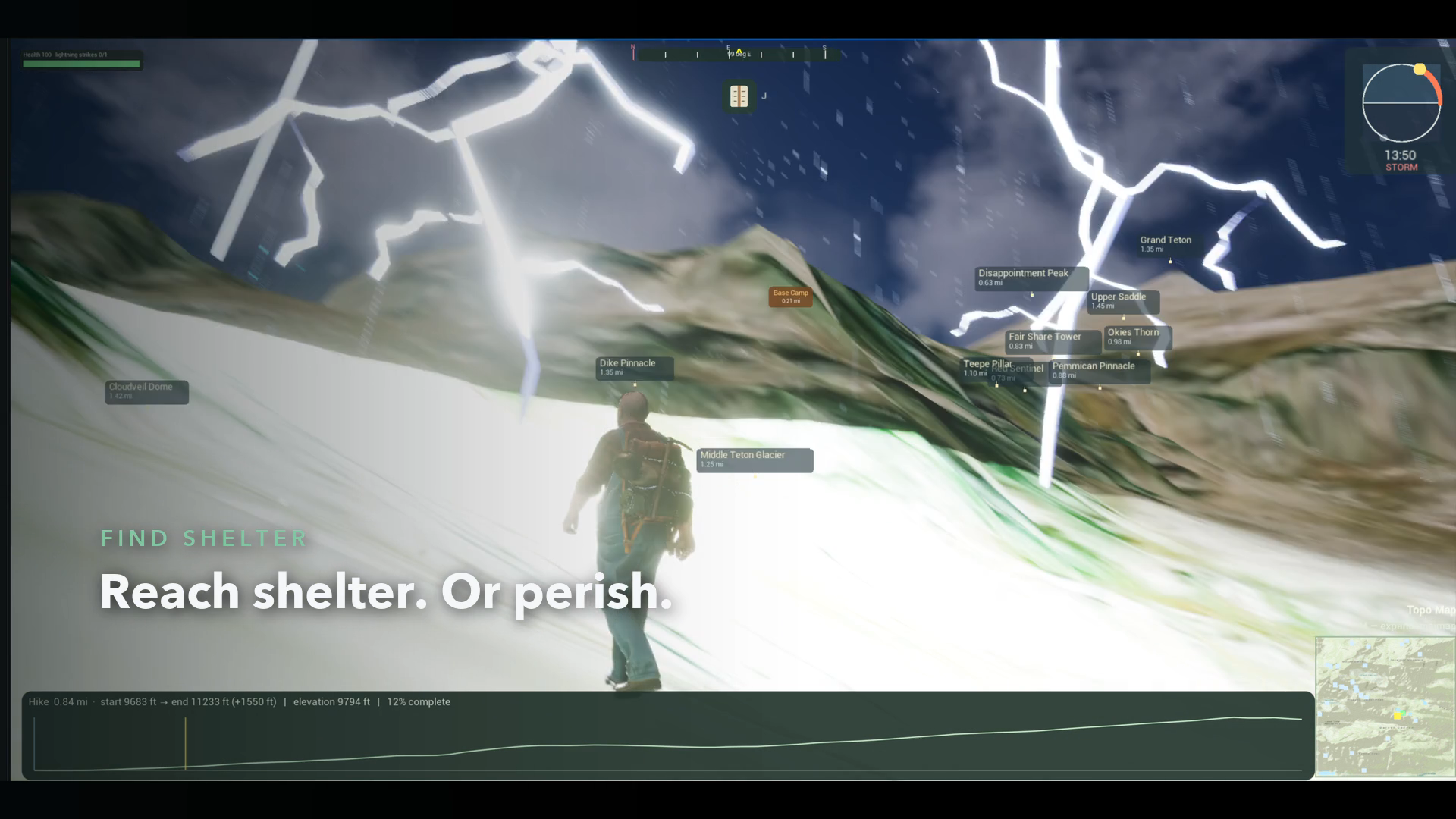
Conditions change fast above the treeline. A clear morning can turn into a lightning storm in minutes. Find shelter and wait it out, or push on and risk everything.
Night changes everything
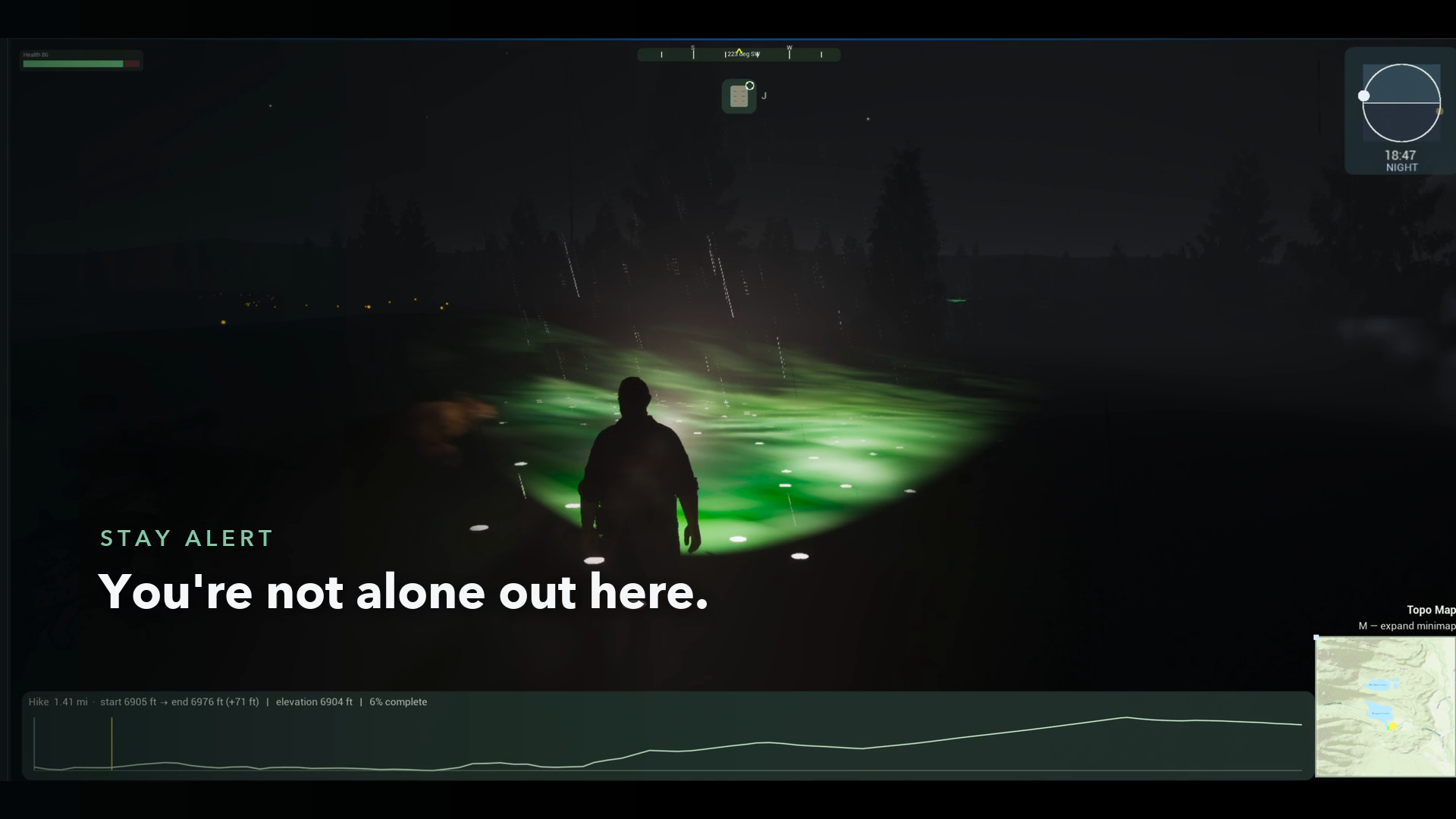
When the sun sets, the trail disappears into the dark. Your flashlight cuts a small circle of safety through the black, and you start to notice you aren't alone.
Not everyone you meet is lost
Some hikers have advice. Some have stories. One of them seems to know exactly where you're headed.
Pick a spot. Head out. Don't look back too long.
Download
Install instructions
⚠️ Mac with Apple Silicon only (M1, M2, M3 or newer). Alpine Explorer doesn't run on Intel Macs, Windows or Linux yet.
- Download the macOS file from this page, then double-click it to unzip.
- Move
<span class="ui-markdown__inline-path-filename ui-1heor9g md-inline-path-filename">AlpineHunter.app</span>into your Applications folder. - Open it. The first time, macOS may block it because the beta isn't signed by Apple yet. To allow it:
- Go to System Settings → Privacy & Security, scroll down, and click Open Anyway, or
- Run this once in Terminal:
xattr -dr com.apple.quarantine /Applications/AlpineHunter.app
- Play. An internet connection is required, because terrain and imagery stream in live.
Tip: install through the free itch.io app to get automatic updates, and usually skip step 3.
Not sure which Mac you have? Click → About This Mac. If it says "Chip: Apple M…", you're good to go.
Development log
- Alpha Rollout25 days ago


Leave a comment
Log in with itch.io to leave a comment.